
Wireless Remote Control for XMP and XMP C
R-RS
$145.00
In Stock
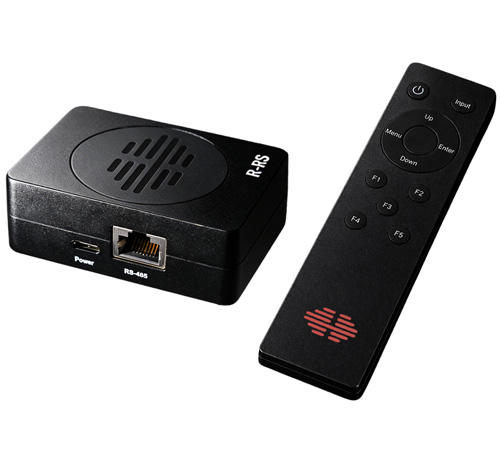
The R-RS Wireless Remote Control is compatible with all XMP and XMP C Series monitors, providing convenient RF-based wireless control of your display.
What’s Included
What’s Included
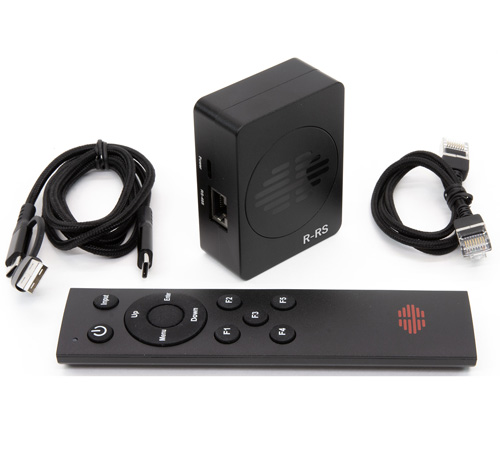
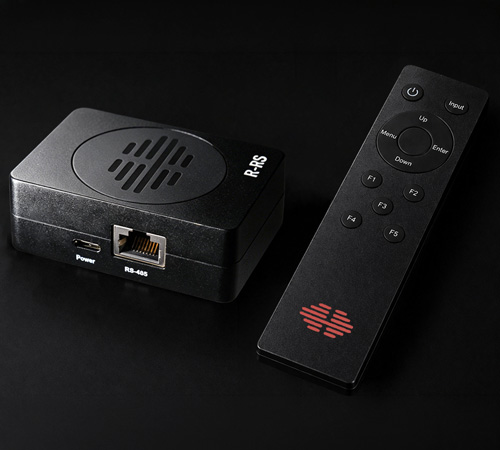
- Handheld wireless remote control
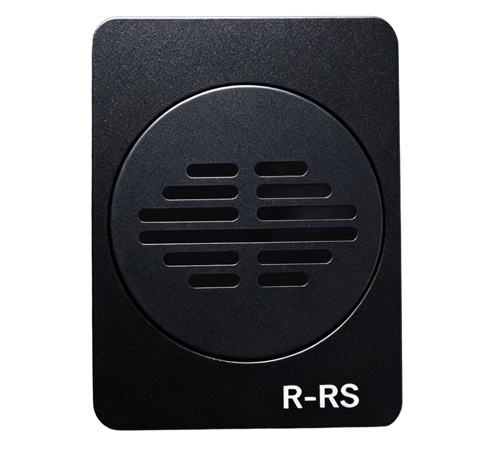
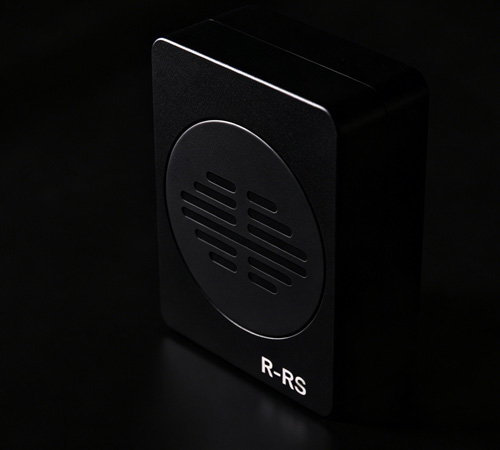
- R-RS receiver module
- RJ45 RS-485 control cable
- USB power cable*
Overview
The R-RS receiver module connects directly to the monitor’s RS-485 control port via the supplied RJ45 control cable, enabling full wireless control of the monitor. Supported functions include:
- Complete menu navigation
- Function button activation
- Input switching
- One-button power off
- One-button power on*
Each handheld remote is uniquely paired with its corresponding receiver module, allowing multiple R-RS systems to operate simultaneously within the same environment.
Remote Power-On FunctionThe R-RS receiver module may be powered from the monitor’s USB port; however, doing so will prevent remote power-on functionality, as the monitor’s USB port is not powered while the monitor is in standby / powered off.
To enable remote power-on, connect the receiver module to a separate USB power source that remains powered at all times. When configured in this manner, the monitor can be turned on and off directly from the handheld remote.
Notes
- Batteries are not included.
- The handheld remote requires two AAA batteries.
- *Remote power-on functionality requires the receiver module to be connected to an always-on USB power source.